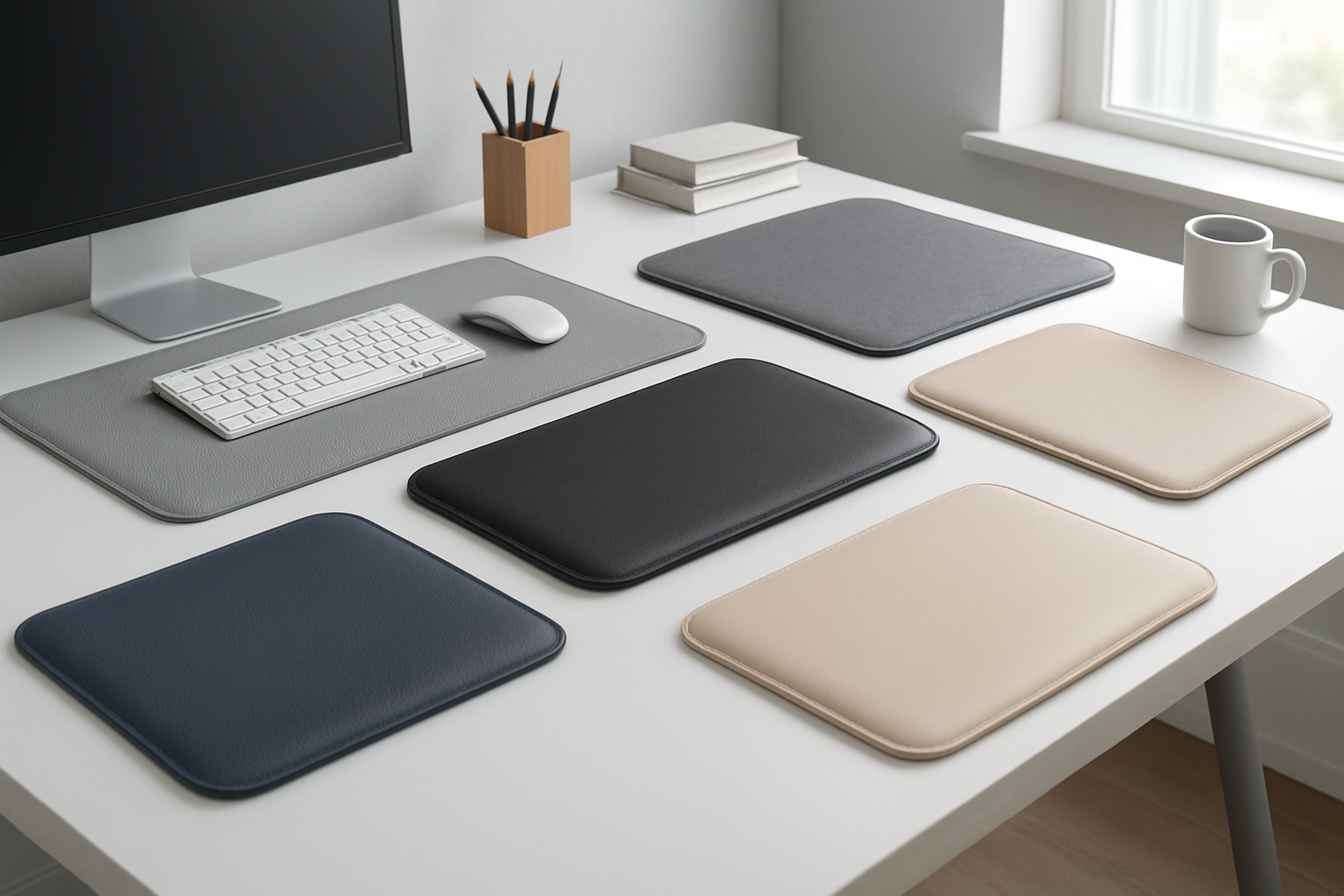
7 Best Ergonomic Desk Mats for Home Office
If you’re searching for the best ergonomic desk mat for home office setups, you’re likely weighing two types: a desktop pad that smooths your work surface and a standing mat that adds cushioned support underfoot. The right choice can help protect your desk, improve mouse control, and make long work sessions more comfortable. Below, we break down 7 trusted picks—both desktop and standing options—plus a practical buying guide and FAQs so you can choose confidently. Prices and availability can change, so check listings for the latest details.
Quick Picks
- Best overall desktop mat: Logitech Studio Series Desk Mat — sleek, office-ready look with a smooth, consistent surface
- Best value desktop mat: Aothia Leather Desk Pad Protector — professional style at an accessible price point
- Best minimalist desktop mat: YSAGi Desk Mat — clean design that helps organize your workspace
- Best durable desktop mat: Knodel Desk Pad — sturdy build and large surface coverage for multitaskers
- Best overall standing mat: Topo by Ergodriven Standing Desk Mat — contoured design encourages subtle movement while standing
- Best cushioned standing mat: ComfiLife Anti Fatigue Floor Mat — supportive comfort for long hours on your feet
- Best budget standing mat: Sky Solutions Anti Fatigue Mat — solid everyday support for home offices
Comparison Table
| Product | Type | Best For | Highlights | CTA |
|---|---|---|---|---|
| Logitech Studio Series Desk Mat | Desktop desk pad | Most home offices needing a smooth, consistent work surface | Streamlined look, comfortable surface, tidy cable-friendly setup | Check price on Amazon |
| Aothia Leather Desk Pad Protector | Desktop desk pad | Value-focused buyers who want a professional appearance | Desk protection, easy to wipe down, multiple color options (varies by listing) | Check price on Amazon |
| YSAGi Desk Mat | Desktop desk pad | Minimalist setups and compact desks | Simple, low-profile surface, helps reduce desktop clutter | Check price on Amazon |
| Knodel Desk Pad | Desktop desk pad | Heavy multitaskers needing broad coverage | Large work area, professional style, multiple size/color choices (varies by listing) | Check price on Amazon |
| Topo by Ergodriven Standing Desk Mat | Standing anti-fatigue mat | Active standing desk users | Contoured design can encourage movement and position changes | Check price on Amazon |
| ComfiLife Anti Fatigue Floor Mat | Standing anti-fatigue mat | All-day comfort at a standing desk or kitchen | Cushioned support, flat profile designed to sit stable on most hard floors | Check price on Amazon |
| Sky Solutions Anti Fatigue Mat | Standing anti-fatigue mat | Budget-friendly relief for home offices | Everyday comfort and traction-focused base designs (varies by listing) | Check price on Amazon |
The Best Ergonomic Desk Mats for Home Office: Reviews
1) Logitech Studio Series Desk Mat
Why it’s a top pick: A clean, consistent surface can make typing and mouse work feel smoother. Logitech’s desk mat aims for a tidy, modern look that blends into most home offices.
Pros
- Smooth, uniform surface that supports both typing and mouse control
- Professional, understated design that suits modern desks
- Generally easy to roll or move when you need to reconfigure your workspace
Cons
- May show dust or marks more quickly in darker colors
- Some users may prefer extra thickness or cushioning than a typical desk pad offers
2) Aothia Leather Desk Pad Protector
Why it’s a top pick: If you want a professional look without overspending, this leather-look desk pad is a popular choice. It helps protect your desktop while giving your setup a streamlined feel.
Pros
- Office-ready appearance at a value-focused price
- Helps protect desktops from light scuffs and coffee rings
- Easy to wipe down; available in multiple colors and sizes depending on the listing
Cons
- Some mice may feel faster or slower on certain finishes; preferences vary
- Like many desk pads, corners may need time to settle flat after unrolling
3) YSAGi Desk Mat
Why it’s a top pick: This minimalist mat is popular for decluttering and creating a defined work zone. It can help keep notebooks, keyboard, and mouse on a uniform surface.
Pros
- Simple, clean aesthetic that fits compact or minimalist desks
- Helps organize your work area and protect the desktop
- Typically available in multiple colors and sizes
Cons
- Not designed as a wrist rest; pair with separate supports if you need them
- Surface feel can vary by color/finish, so check reviews for mouse tracking feedback
4) Knodel Desk Pad
Why it’s a top pick: For larger desks or multi-monitor setups, many users prefer broad coverage. Knodel’s mat is commonly chosen for its professional look and spacious work area.
Pros
- Large surface area can accommodate keyboard, mouse, and notepad
- Polished appearance for WFH video calls and client-facing work
- Often listed in multiple sizes/colors to match different desks
Cons
- Big mats can gather dust and require occasional wiping
- Thicker keyboard feet or monitor stands may feel different on a desk pad compared to bare desk
5) Topo by Ergodriven Standing Desk Mat
Why it’s a top pick: For standing-desk users, subtle movement can help you change positions during the day. Topo’s contoured design is well-known for encouraging stance variety.
Pros
- Contoured regions can prompt frequent, small posture changes
- Designed for active standing at height-adjustable desks
- Popular among users who alternate between sitting and standing
Cons
- The 3D surface may feel busy if you prefer a flat mat
- Not intended for use with office chair wheels on top
6) ComfiLife Anti Fatigue Floor Mat
Why it’s a top pick: For long hours standing at a desk or in a home workspace, this mat is frequently chosen for cushioned comfort underfoot.
Pros
- Supportive cushioning for extended standing sessions
- Flat profile designed to stay put on most hard floors
- Versatile for offices, kitchens, and other standing areas
Cons
- Can be bulky to move in and out if you switch to a chair often
- Some finishes can show footprints or dust if not wiped regularly
7) Sky Solutions Anti Fatigue Mat
Why it’s a top pick: A budget-friendly option many people use in home offices, this mat focuses on everyday comfort and simple setup.
Pros
- Good value for users upgrading from hard floors
- Comfortable for typical standing-desk sessions
- Straightforward, low-maintenance design
Cons
- Like most anti-fatigue mats, not intended for office chair wheels
- On very slick floors, you may need to check for additional grip solutions
Buying Guide: How to Choose the Right Ergonomic Desk Mat
Desktop pad vs. standing mat
- Desktop desk pads create a consistent surface for typing, writing, and mouse work, while also protecting your desk.
- Standing anti-fatigue mats are designed to reduce fatigue and pressure underfoot when you work at a standing desk.
Size and coverage
- For desktop pads, measure your keyboard, mouse area, and any accessories you want on the mat. Leave room for comfortable mouse movement.
- For standing mats, ensure the mat fits your stance width and the space in front of your desk. If you frequently move a chair in and out, consider how you’ll store the mat.
Surface feel and mouse tracking
- Mouse feel varies by surface. Some users prefer a slightly textured, cloth-like finish; others like a smoother finish. If precision is key (e.g., design work), check product Q&A and reviews for tracking feedback.
Edge profile and stability
- For standing mats, look for edges designed to lie flat and reduce trip potential.
- For desk pads, edges that sit flat against the desk help prevent curl-up.
Cleaning and maintenance
- Consider how you’ll clean the mat—quick wipe-downs are easiest for everyday use. Lighter colors may show marks less; darker colors can hide stains but may reveal dust.
Materials and off-gassing
- New mats can sometimes have a light manufacturing odor that typically dissipates. If you’re sensitive, air the mat out before first use or look for odor-reduction notes in listings.
Non-slip and floor compatibility
- On hard floors, a grippy base helps prevent sliding. If using on low-pile carpet or slick surfaces, check the listing or consider a compatible underlay or rug gripper.
Aesthetics and desk setup
- Choose colors and styles that complement your home office decor and camera framing for video calls. A clean, cohesive surface often makes your workspace feel more organized.
Budget and value
- You don’t have to overspend. Many mid-priced options deliver strong day-to-day comfort and protection. Compare features and read recent buyer feedback to align value with your needs.
FAQs
Are ergonomic desk mats worth it?
For many people, yes. A desktop pad can protect your desk and create a smoother surface for typing and mousing. A standing anti-fatigue mat can add comfort and support when you spend significant time on your feet. These benefits vary by user and product, so choose based on how you work most of the day.
Do I still need a mouse pad if I use a desk pad?
Not always. Many desk pads provide a surface suitable for most mice. If you need high-precision tracking (for design or gaming), you might still prefer a dedicated mouse pad or choose a desk pad known for consistent mouse performance.
What size desk pad should I get?
Measure your available desk space and the area your mouse needs to move comfortably. A pad that accommodates both your keyboard and mouse—with extra room for movement—is a good starting point for most setups.
Can I use an anti-fatigue mat on carpet?
Some anti-fatigue mats can work on low-pile carpet, but stability varies. Check the product details and consider a gripper underlay if the mat shifts. On thicker carpet, movement is more likely, so evaluate your floor type before buying.
Will a desk mat damage my wood desktop?
It’s uncommon, but finishes vary. To be safe, keep both surfaces dry and clean, and consider testing a small area first. Periodically lift and wipe the desk and mat to prevent trapped moisture or dust from causing marks.
Can I roll or store these mats easily?
Desktop pads usually roll or store flat with minimal hassle. Standing mats can be bulkier; many users lean them against a wall or under the desk when switching to a chair. Check the product’s weight and flexibility if frequent moving is important to you.
Conclusion
The best ergonomic desk mat for home office comfort depends on how you work. If you’re primarily seated, a well-made desktop pad like the Logitech Studio Series, Aothia, YSAGi, or Knodel can streamline your surface and protect your desk. If you alternate between sitting and standing, a supportive mat like the Topo by Ergodriven, ComfiLife, or Sky Solutions can make standing sessions more comfortable. Match the mat type, size, and surface feel to your daily routine—and remember to check current prices and availability before you buy.
Product Links Recap
- Logitech Studio Series Desk Mat — Check price on Amazon
- Aothia Leather Desk Pad Protector — Check price on Amazon
- YSAGi Desk Mat — Check price on Amazon
- Knodel Desk Pad — Check price on Amazon
- Topo by Ergodriven Standing Desk Mat — Check price on Amazon
- ComfiLife Anti Fatigue Floor Mat — Check price on Amazon
- Sky Solutions Anti Fatigue Mat — Check price on Amazon
コメント