10 Best Ergonomic Desk Accessories for Home Office: Expert Picks and Buying Guide
Working long hours from home can strain your wrists, neck, shoulders, and back. The right setup helps. This guide to the best ergonomic desk accessories for home office use highlights proven picks that can improve comfort, promote healthier posture, and support productivity—all without reinventing your workspace.
What to expect:
- A concise shortlist of Quick Picks
- A side-by-side comparison table
- 10 detailed, trustworthy product reviews
- A practical buying guide and FAQs to help you choose
How we choose: We analyze trusted ergonomics guidance, manufacturer information, and broad user feedback across reputable retailers and communities. We do not claim hands-on testing unless noted. Always confirm details on the retailer’s page, and note that prices and availability can change.
- Quick Picks
- Comparison Table: Ergonomic Desk Accessories
- Reviews: The 10 Best Ergonomic Desk Accessories for Home Office
- 1) Logitech MX Vertical Advanced Ergonomic Mouse
- 2) Logitech ERGO K860 Split Ergonomic Keyboard
- 3) Amazon Basics Premium Single Monitor Stand
- 4) Rain Design mStand Laptop Stand
- 5) VIVO Large Under Desk Keyboard Tray
- 6) ComfiLife Foot Rest Under Desk
- 7) Ergodriven Topo Anti-Fatigue Mat
- 8) Everlasting Comfort Lumbar Support Pillow for Office Chair
- 9) Gimars Memory Foam Keyboard and Mouse Wrist Rest Set
- 10) Fellowes InLine Document Holder
- Buying Guide: How to Choose the Right Ergonomic Desk Accessories
- FAQs
- Are ergonomic desk accessories worth it?
- Can these products fix pain or injuries?
- How high should my monitor be?
- Do I need a vertical mouse?
- Should I use a wrist rest?
- How long does it take to adapt to an ergonomic keyboard?
- Is standing better than sitting?
- What if my desk is too high?
- Can I get ergonomic benefits on a tight budget?
- Conclusion
Quick Picks
- Best overall: Logitech MX Vertical Advanced Ergonomic Mouse
- Best ergonomic keyboard: Logitech ERGO K860 Split Ergonomic Keyboard
- Best monitor upgrade on a budget: Amazon Basics Premium Single Monitor Stand
- Best for laptop users: Rain Design mStand Laptop Stand
- Best for standing desk comfort: Ergodriven Topo Anti-Fatigue Mat
Note: Ergonomics is personal. Pick accessories that match your body, tasks, and desk space.
Comparison Table: Ergonomic Desk Accessories
| Product | Best For | Type | Key Highlights | Amazon |
|---|---|---|---|---|
| Logitech MX Vertical Advanced Ergonomic Mouse | Reducing wrist/forearm twist | Vertical mouse | Handshake-style grip, precision control | Check price on Amazon |
| Logitech ERGO K860 Split Ergonomic Keyboard | Neutral typing posture | Split keyboard | Curved split layout, cushioned palm rest | Check price on Amazon |
| Amazon Basics Premium Single Monitor Stand | Proper monitor height | Monitor arm | Height/tilt adjustability, desk clamp | Check price on Amazon |
| Rain Design mStand Laptop Stand | Neck-friendly laptop work | Laptop stand | Raises screen, sturdy one-piece design | Check price on Amazon |
| VIVO Large Under Desk Keyboard Tray | Better typing angle & space | Under-desk tray | Slides under desk, height/tilt adjustability | Check price on Amazon |
| ComfiLife Foot Rest Under Desk | Leg and back support while seated | Footrest | Soft foam, promotes active sitting posture | Check price on Amazon |
| Ergodriven Topo Anti-Fatigue Mat | Standing desk comfort | Anti-fatigue mat | Terrain features encourage movement | Check price on Amazon |
| Everlasting Comfort Lumbar Support Pillow for Office Chair | Lower back support | Lumbar pillow | Contoured support, adjustable straps (model-dependent) | Check price on Amazon |
| Gimars Memory Foam Keyboard and Mouse Wrist Rest Set | Neutral wrist alignment | Wrist rests | Memory foam cushioning, non-slip bases | Check price on Amazon |
| Fellowes InLine Document Holder | Reducing head/eye strain from papers | Document holder | Places documents between keyboard and screen | Check price on Amazon |
Reviews: The 10 Best Ergonomic Desk Accessories for Home Office
1) Logitech MX Vertical Advanced Ergonomic Mouse
A vertical mouse can encourage a more natural handshake-style grip that may reduce forearm pronation compared to traditional flat mice. The Logitech MX Vertical is a popular choice for all-day knowledge work due to its comfort-focused shape and precision controls. Many users report a short learning curve and improved comfort over time.
Pros
- Vertical design that promotes a more neutral wrist/forearm posture
- Solid build and feature set suited for productivity
- Works across common operating systems (check compatibility)
Cons
- Larger shape may not suit very small hands
- Some users need a brief adjustment period
2) Logitech ERGO K860 Split Ergonomic Keyboard
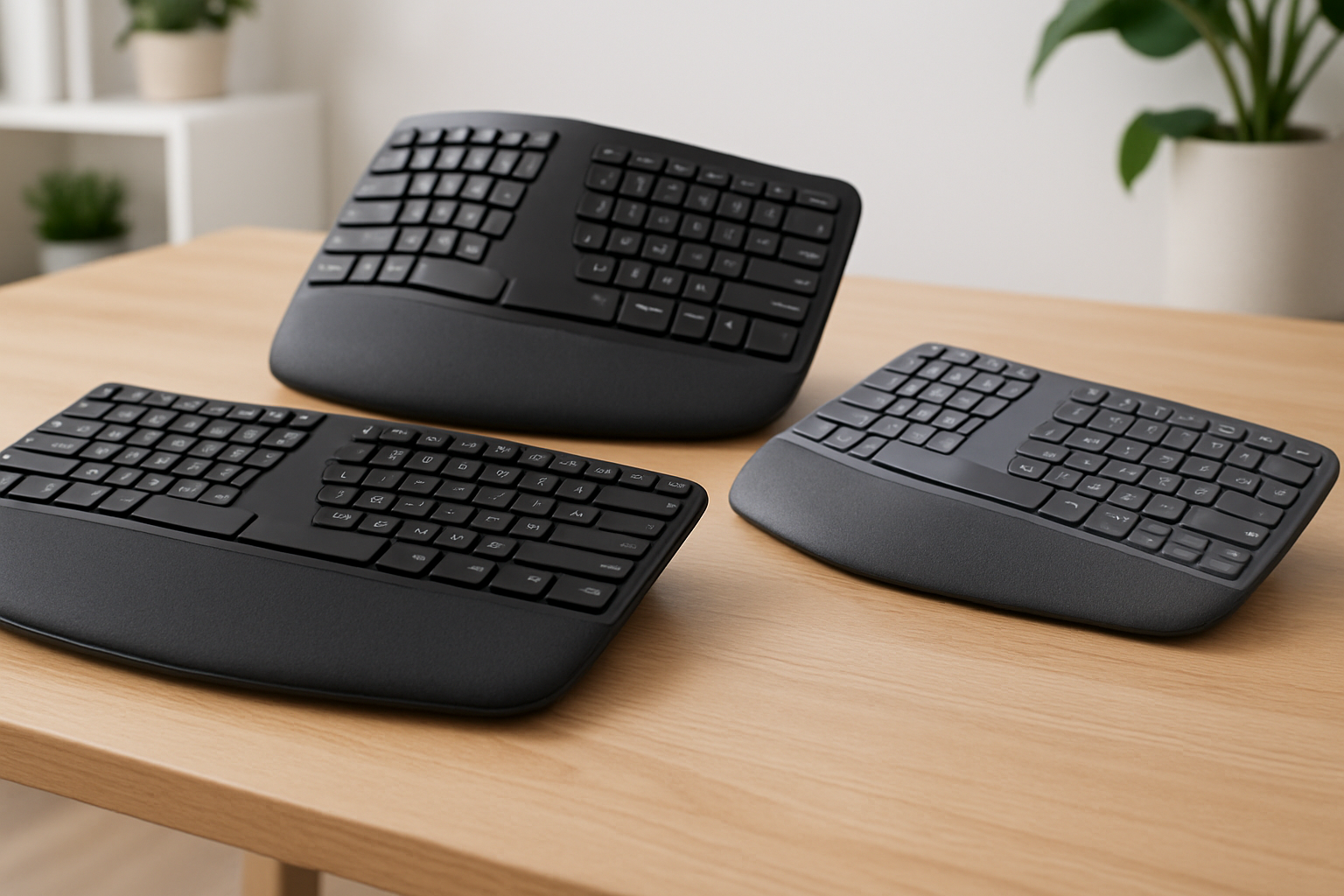
Split keyboards aim to reduce ulnar deviation by allowing a more natural arm and wrist alignment. The Logitech ERGO K860 pairs a curved split layout with a cushioned palm rest that supports relaxed typing. It’s a strong fit for professionals who type for extended periods and want a mainstream ergonomic layout.
Pros
- Split, curved layout designed for neutral arm/wrist posture
- Integrated palm rest for improved comfort
- Widely compatible with common OS and devices
Cons
- Layout may feel unfamiliar at first
- Separate ergonomic keypad preferences vary by user
3) Amazon Basics Premium Single Monitor Stand
Getting your monitor to the right height and distance supports a healthier neck posture and reduces forward head tilt. This single-arm mount from Amazon Basics is a popular, value-forward option that offers height and tilt adjustments along with desk-clamp mounting.
Pros
- Adjustable monitor positioning to support ergonomic viewing
- Space-saving desk clamp design
- Value-oriented choice with broad compatibility (check VESA and weight limits)
Cons
- Single-arm model; dual-monitor users will need another solution
- Installation requires a suitable desk edge and compatible monitor
4) Rain Design mStand Laptop Stand
If you work primarily on a laptop, raising the screen toward eye level can help reduce neck bending. The Rain Design mStand is a well-regarded, sturdy single-piece stand that lifts your laptop while providing airflow and a clean, integrated look.
Pros
- Elevates laptop display for more neck-friendly viewing
- Solid, one-piece design with stable base
- Pairs well with an external keyboard and mouse
Cons
- Fixed height; not adjustable on the fly
- Not ideal if you frequently switch between many laptop sizes
5) VIVO Large Under Desk Keyboard Tray
An under-desk keyboard tray lets you fine-tune typing height and angle separate from the desktop, which can improve wrist alignment and reduce shoulder shrugging. This VIVO tray offers a roomy platform and adjustability to help dial in a neutral typing posture.
Pros
- Slides under desk to reclaim space and set proper height/tilt
- Large surface accommodates keyboard and mouse (model-dependent)
- Helps align elbows roughly at keyboard height
Cons
- Requires installation and a desk that accommodates mounting
- Check desk thickness and clearance before buying
6) ComfiLife Foot Rest Under Desk
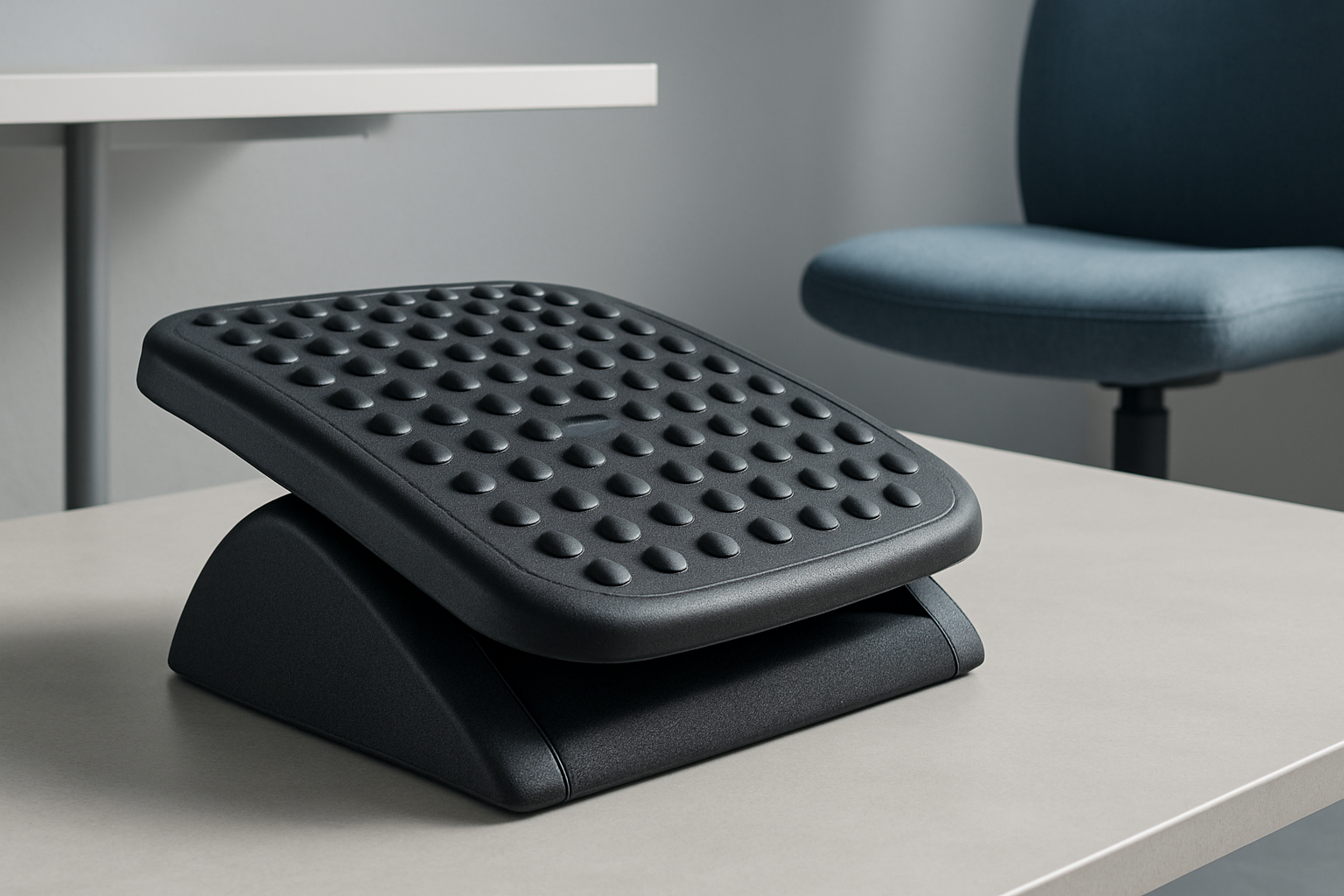
A foam footrest can help keep hips and knees at comfortable angles while preventing feet from dangling—useful for shorter users or higher desks. The ComfiLife footrest is popular for its supportive foam design that encourages micro-movements during long seated sessions.
Pros
- Supports a more comfortable seated posture
- Soft foam top with non-slip base
- Can be flipped for rocking motion (model-dependent)
Cons
- Foam firmness is preference-based
- May compress over time with heavy use
7) Ergodriven Topo Anti-Fatigue Mat
Standing desks are most comfortable with a good anti-fatigue mat. The Ergodriven Topo includes subtle terrain features that encourage natural movement and weight shifting, helping reduce standing fatigue during longer sessions.
Pros
- Encourages varied stances and micro-movements
- Widely recommended for standing desk users
- Easy to slide in/out with the foot
Cons
- Not designed for high-heel use
- Larger footprint than flat mats; measure your space
8) Everlasting Comfort Lumbar Support Pillow for Office Chair
If your chair lacks built-in lumbar support, a dedicated pillow can help maintain a neutral lower back curve. The Everlasting Comfort lumbar pillow is a common choice that straps to many office chairs to provide targeted support.
Pros
- Adds focused lumbar support to many chairs
- Straps help keep it in position (varies by model)
- Removable cover on many versions for cleaning
Cons
- Fit depends on your chair shape and torso length
- Some users prefer firmer or flatter support profiles
9) Gimars Memory Foam Keyboard and Mouse Wrist Rest Set
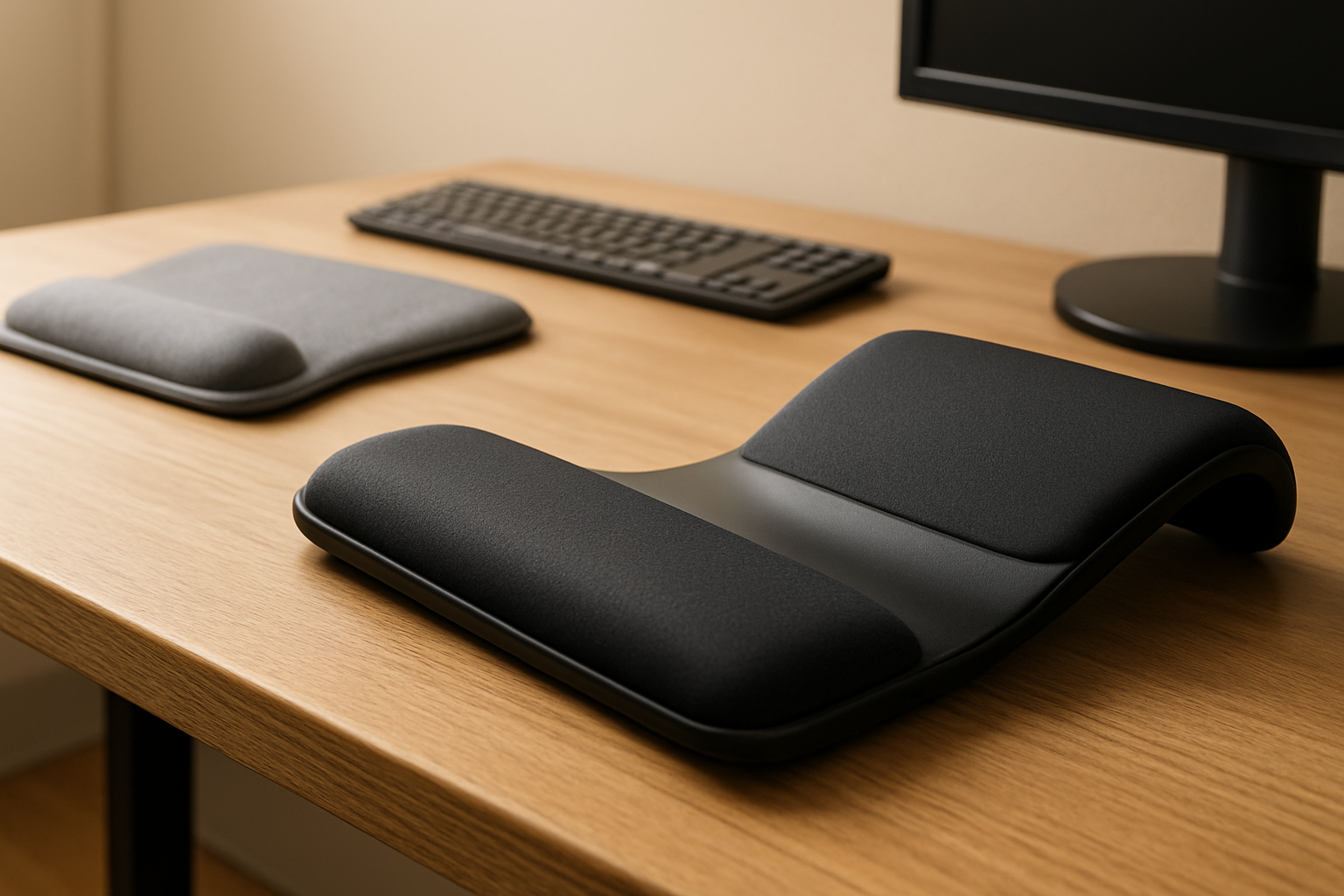
Wrist rests can reduce contact pressure and help maintain a neutral wrist angle when used correctly. This Gimars set includes a keyboard wrist rest and a mouse pad rest, offering cushioned support and non-slip bases.
Pros
- Memory foam cushioning for softer contact points
- Non-slip bases help keep rests in place
- Set includes both keyboard and mouse support
Cons
- Wrist rests should not raise wrists too high; positioning matters
- Foam feel and height may not suit every typing style
10) Fellowes InLine Document Holder
If you frequently reference papers, placing documents between the keyboard and monitor can reduce repetitive head turning and eye strain. The Fellowes InLine Document Holder is a straightforward way to keep reference materials directly in your line of sight.
Pros
- Positions documents centrally to reduce neck rotation
- Clean, stable platform for papers and thin materials
- Complements external monitor and laptop setups
Cons
- Not ideal for large binders or heavy books
- Takes up desk depth; check your available space
Buying Guide: How to Choose the Right Ergonomic Desk Accessories
Start with posture goals
Define what you’re solving for: wrist comfort, neck alignment, shoulder tension, or standing fatigue. This helps you prioritize whether you need a pointing device, keyboard change, monitor elevation, or a standing mat first.
Keyboard layout and typing feel
- Split and tented layouts can reduce wrist deviation and forearm pronation.
- Consider palm support and whether you prefer a low-profile or sculpted feel.
- Expect a brief adaptation period for new layouts.
Mouse shape and grip
- Vertical or semi-vertical mice support a handshake grip that may reduce twist.
- Match size to your hand and grip style (palm, claw, fingertip).
- Ensure enough desk space for your preferred DPI/sensitivity.
Monitor height and distance
- Your eyes should naturally land near the top third of the screen.
- Use an arm or stand to raise, tilt, and position your display at a comfortable viewing distance.
- Check VESA compatibility and weight limits for arms.
Laptop vs. desktop setups
- Laptops alone encourage hunching. Raise the screen and add an external keyboard/mouse.
- If you switch locations often, choose a stand that fits your most-used laptop size.
Under-desk ergonomics
- Keyboard trays fine-tune height and tilt, helping keep elbows near desk height.
- Footrests support shorter users or desks that don’t adjust low enough.
Standing desk comfort
- Anti-fatigue mats encourage micro-movements and reduce foot and leg discomfort.
- Alternate between sitting and standing throughout the day.
Materials and maintenance
- Look for easy-to-clean surfaces, removable covers on cushions, and durable finishes.
- Foam density and fabric texture affect long-term comfort and feel.
Adjustability and compatibility
- Verify adjustability ranges, mounting methods, desk thickness, and space requirements.
- Check OS and device compatibility for keyboards and mice before buying.
Installation and setup
- Some products require drilling or clamping; make sure your desk can accommodate this.
- Allow time for cable management to keep your surface tidy and snag-free.
Returns and support
- Ergonomics is personal; consider retailers with good return windows.
- Review manufacturer support and documentation for setup guidance.
FAQs
Are ergonomic desk accessories worth it?
For many people, yes. The right accessories can encourage more neutral posture and reduce strain during long workdays. They’re not medical devices, but they can support better habits and comfort when chosen and positioned correctly.
Can these products fix pain or injuries?
They’re not a substitute for medical care. If you have pain or symptoms, consider speaking with a qualified healthcare professional. Ergonomic changes may complement professional guidance.
How high should my monitor be?
Aim so your eyes land near the top third of the screen when sitting or standing upright, with shoulders relaxed and head neutral. Fine-tune tilt and distance to reduce squinting or leaning.
Do I need a vertical mouse?
Not everyone does, but many people find them more comfortable, especially if they experience wrist or forearm discomfort with flat mice. Expect a short adjustment period.
Should I use a wrist rest?
Wrist rests can reduce contact pressure, especially during pauses. When typing, try to keep wrists neutral and hover lightly; don’t press down hard on the rest.
How long does it take to adapt to an ergonomic keyboard?
It varies. Some users feel comfortable within days; others take a few weeks. Gradual practice and consistent posture habits help.
Is standing better than sitting?
Mixing both is generally recommended. Rotate between sitting and standing and use an anti-fatigue mat to stay comfortable when standing.
What if my desk is too high?
Consider an under-desk keyboard tray and/or a footrest to improve arm and leg positioning. If possible, adjust chair height while keeping feet supported.
Can I get ergonomic benefits on a tight budget?
Yes. Start with the highest-impact changes for your situation—monitor height, mouse comfort, and a basic footrest often deliver strong value.
Conclusion
Ergonomics is about alignment, adjustability, and consistency. The products above cover the highest-impact upgrades for most home offices—from a vertical mouse and split keyboard to a monitor arm, laptop stand, footrest, and anti-fatigue mat. Start with the item that addresses your biggest discomfort and build from there. And remember: prices and availability may change, so check the latest details before you buy.
Ready to improve comfort today? Explore our top picks:
- Logitech MX Vertical Advanced Ergonomic Mouse — Check price on Amazon
- Logitech ERGO K860 Split Ergonomic Keyboard — Check price on Amazon
- Amazon Basics Premium Single Monitor Stand — Check price on Amazon
Choose what fits your body, your desk, and your work—and give yourself a little time to adapt.
コメント