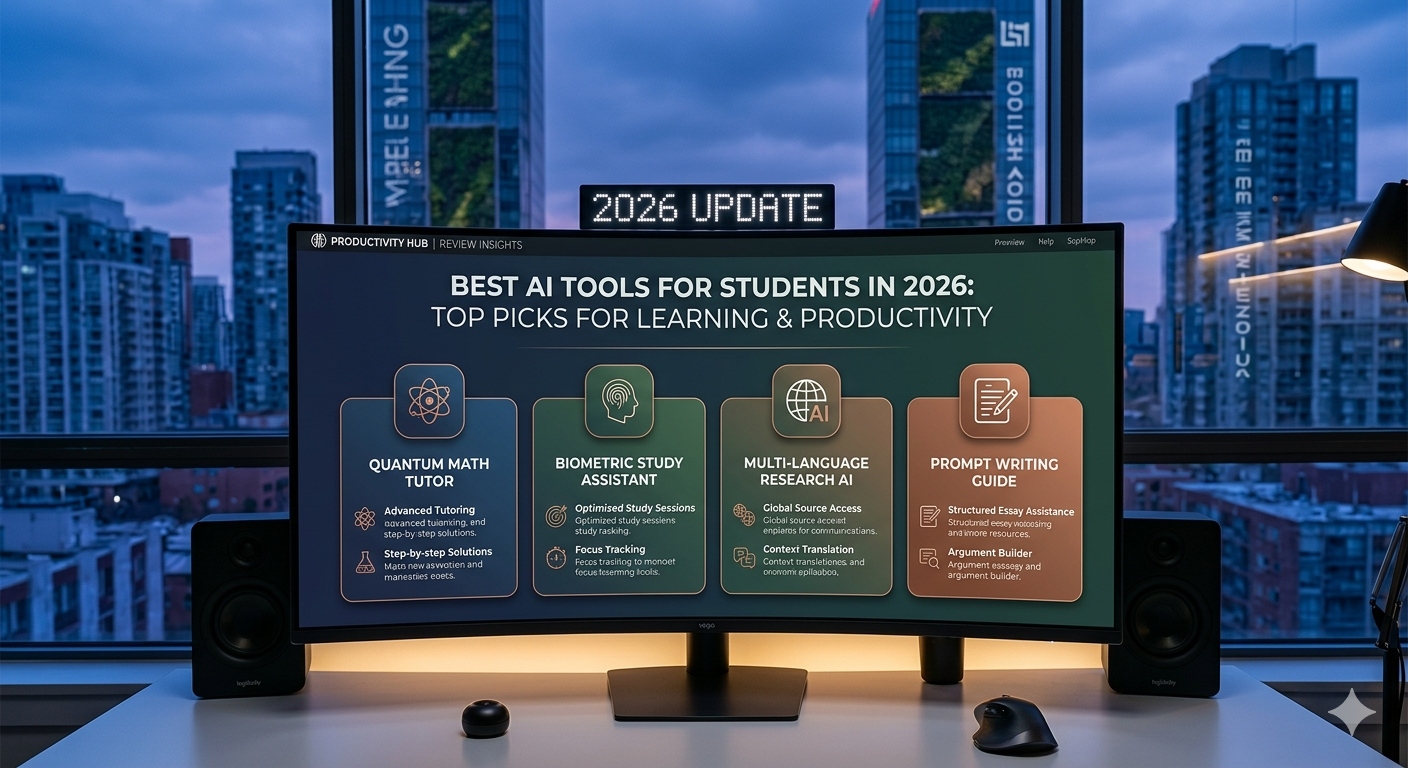
Best AI Tools for Students in 2026: Top Picks for Learning and Productivity
Quick Summary
AI tools are helping students learn faster, stay organized, improve writing, and manage their workloads more efficiently. Whether you need help with research, note-taking, content creation, or productivity, there are AI-powered solutions designed to support academic success.
In this guide, we compare the best AI tools for students in 2026.
1. ChatGPT
ChatGPT remains one of the most versatile AI assistants available. Students can use it for brainstorming, summarizing information, generating study materials, practicing languages, and understanding complex concepts.
Best For
- Research assistance
- Homework support
- Writing help
- Study guides
Pros
- Easy to use
- Excellent conversational interface
- Supports a wide range of academic tasks
Learn more in our ChatGPT Review.
2. Claude
Claude is particularly strong at handling long documents and generating detailed explanations. It is useful for students working with research papers, essays, and extensive reading materials.
Best For
- Essay writing
- Research analysis
- Document summarization
Pros
- Strong reasoning capabilities
- Excellent long-form writing support
- Helpful explanations
Read our full Claude Review.
3. Gemini
Gemini integrates closely with Google Workspace, making it a convenient option for students already using Gmail, Google Docs, Google Drive, and other Google services.
Best For
- Google Workspace users
- Research tasks
- Collaborative school projects
Pros
- Google ecosystem integration
- Multimodal capabilities
- Free plan available
Learn more in our Gemini Review.
4. Notion
Notion is one of the best productivity tools for students. It combines note-taking, task management, databases, and AI-powered writing assistance in a single workspace.
Best For
- Class notes
- Study planning
- Knowledge management
Pros
- Flexible organization
- Strong collaboration features
- Integrated AI tools
Read our Notion Review.
5. Canva
Canva helps students create presentations, reports, posters, and visual projects quickly. Its AI-powered design tools make content creation accessible even for beginners.
Best For
- Presentations
- Visual projects
- Creative assignments
Pros
- Easy to learn
- Large template library
- Useful AI design features
Learn more in our Canva Review.
6. QuillBot
QuillBot is one of the most useful AI writing tools for students who need help with paraphrasing, grammar correction, summarization, and improving essay drafts. It is especially helpful for students who regularly work on written assignments, research notes, and long reading materials.
Best For
- Paraphrasing essays and assignments
- Grammar and proofreading support
- Summarizing articles and notes
- Improving clarity in academic writing
Pros
- Strong paraphrasing features
- Helpful grammar and proofreading tools
- Useful summarizer for long reading materials
- Beginner-friendly and easy to use
QuillBot is one of the most practical AI tools for students who need help with rewriting, proofreading, and summarizing. For a full breakdown of its features, pricing, and pros and cons, read our QuillBot Review.
How to Choose the Right AI Tool
Choose ChatGPT for general academic support.
Choose Claude for research and writing.
Choose Gemini if you use Google Workspace daily.
Choose Notion for organization and productivity.
Choose Canva for presentations and design projects.
Choose QuillBot for paraphrasing, proofreading, and improving academic writing.
Final Verdict
The best AI tool for students depends on individual needs. ChatGPT is the most versatile option, Claude excels at writing and research, Gemini integrates well with Google’s ecosystem, Notion improves organization, Canva makes design work easier, and QuillBot is especially useful for paraphrasing, proofreading, and academic writing support.
Many students will benefit from combining multiple tools to create a more productive and efficient learning workflow.

コメント