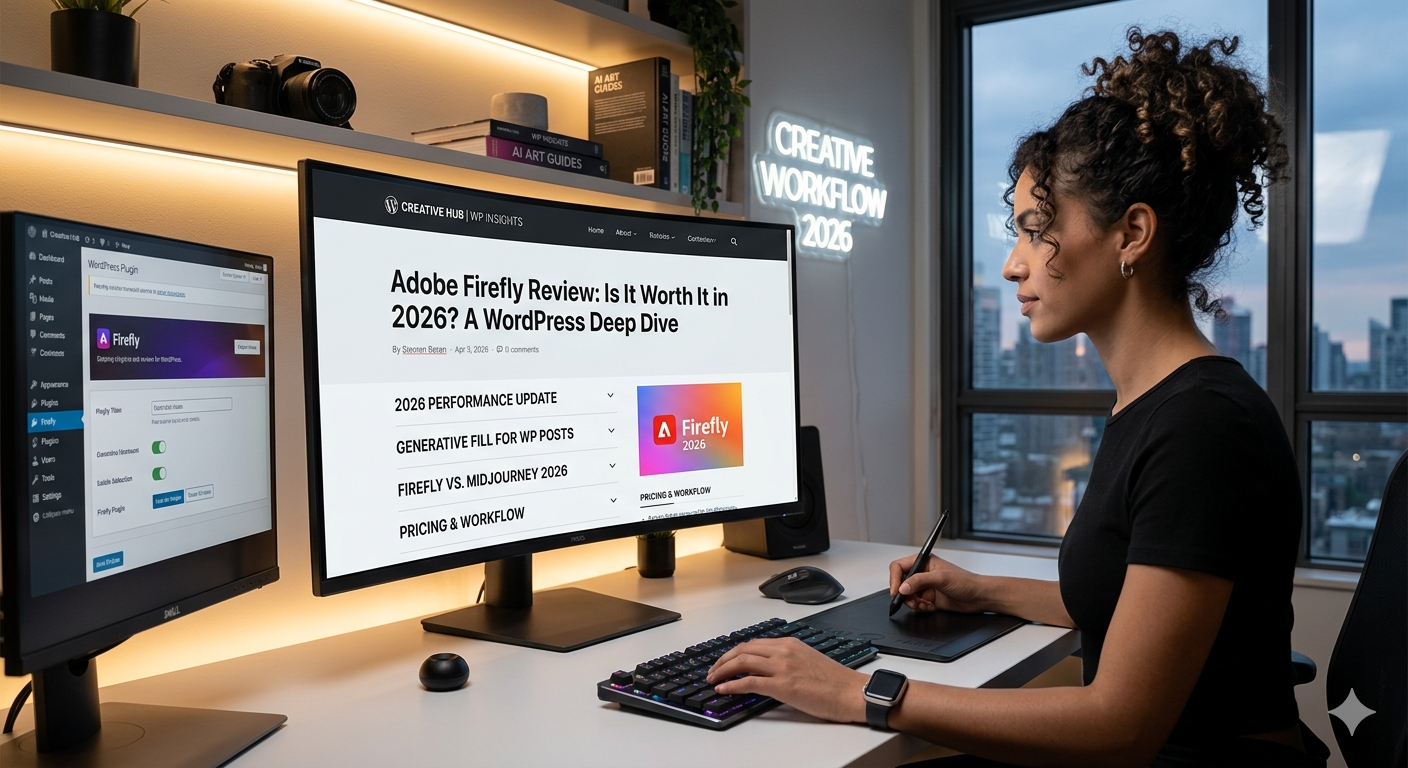
Adobe Firefly Review: Is It Worth It in 2026?
Quick Verdict
Adobe Firefly is one of the most powerful AI design tools available in 2026. It offers high-quality AI image generation, creative editing features, and seamless integration with Adobe Creative Cloud. While beginners may find Canva easier to use, Firefly is an excellent choice for designers, marketers, and content creators who need advanced creative capabilities.
What is Adobe Firefly?
Adobe Firefly is Adobe’s AI-powered creative platform designed to help users generate images, edit graphics, create visual assets, and accelerate design workflows.
As part of the Adobe ecosystem, Firefly integrates with popular tools such as Photoshop, Illustrator, and Adobe Express, making it a valuable solution for both professional designers and business users.
Key Features
- AI-powered image generation
- Generative Fill and Generative Expand
- Text-to-image creation
- AI text effects
- Commercially safe AI-generated content
- Integration with Adobe Creative Cloud
- Support for professional design workflows
Pros & Cons
Pros
- High-quality AI image generation
- Excellent integration with Adobe products
- Powerful editing capabilities
- Commercial-use friendly outputs
- Suitable for professional designers
Cons
- Higher learning curve than Canva
- Some features require Adobe subscriptions
- Can be overwhelming for beginners
- Credit limits may apply depending on plan
Pricing
Adobe Firefly offers free access with limited generative credits.
Paid plans provide additional credits, advanced AI features, and deeper integration with Adobe Creative Cloud applications.
Pricing may change over time, so users should check Adobe’s official website for the latest information.
Who Should Use Adobe Firefly?
Adobe Firefly is best for:
- Graphic designers
- Creative professionals
- Marketing teams
- Content creators
- Adobe Creative Cloud users
- Businesses creating visual assets at scale
It may not be the best option for:
- Users seeking the simplest design platform
- People who primarily rely on templates
- Beginners looking for quick drag-and-drop design tools
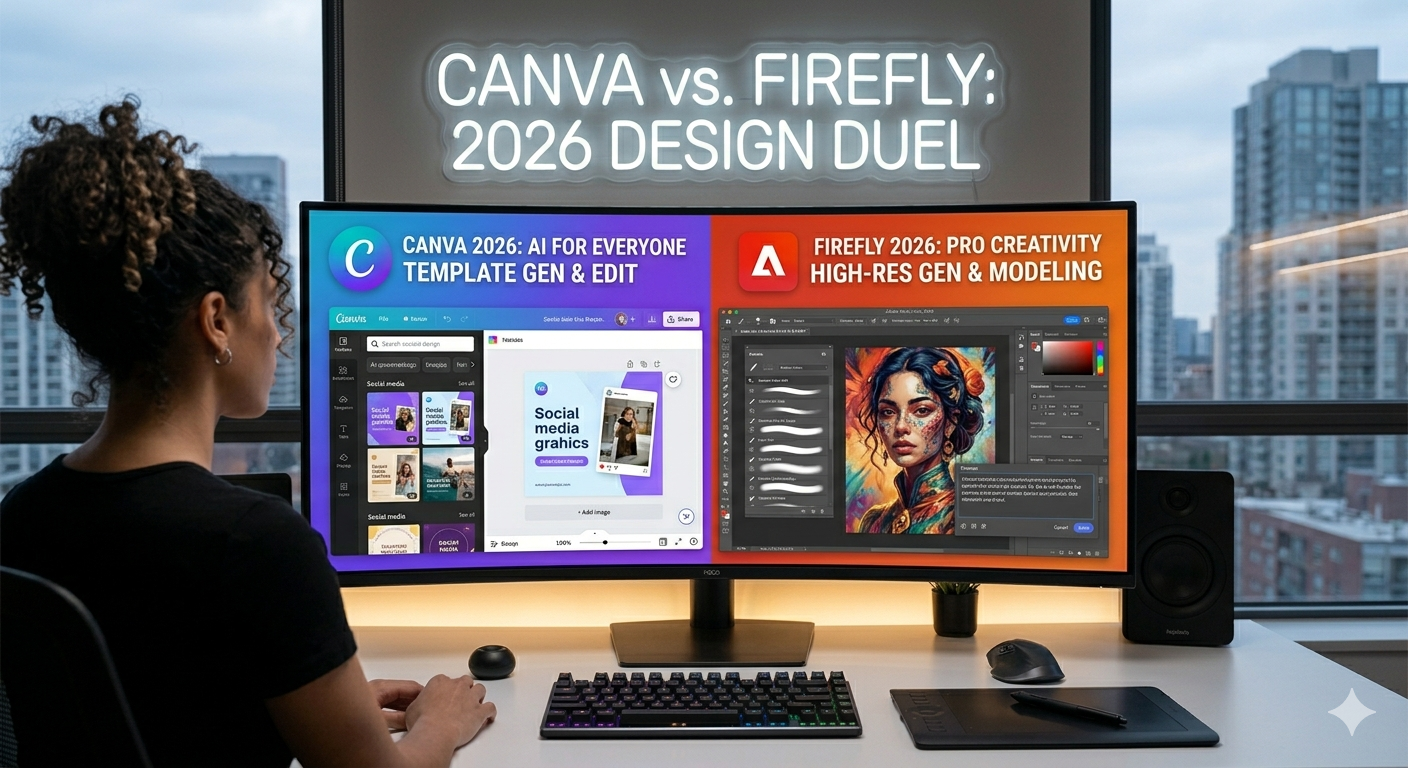
Adobe Firefly vs Canva
Both Adobe Firefly and Canva are popular AI-powered design tools, but they serve different audiences.
Choose Adobe Firefly if:
- You need advanced AI image generation
- You already use Adobe Creative Cloud
- You require professional editing tools
- You create commercial visual assets regularly
Choose Canva if:
- You are a beginner
- You want a simple drag-and-drop interface
- You rely heavily on templates
- You need team collaboration features
For professional creative work, Adobe Firefly offers greater flexibility and power. For ease of use, Canva remains the better option.
Still deciding between these two platforms? Check out our complete Canva vs Adobe Firefly comparison for a side-by-side breakdown.
Alternatives
Canva
A beginner-friendly design platform with templates, collaboration features, and AI-powered tools.
Midjourney
A popular AI image generation platform known for artistic and creative outputs.
Adobe Express
A lightweight design solution that combines Adobe’s creative tools with simple editing workflows.
Final Verdict
Adobe Firefly is one of the best AI design tools in 2026 for users who need professional-quality visual content and advanced AI-powered creative features.
While Canva remains easier for beginners, Firefly provides more powerful image generation and editing capabilities for serious creators and businesses.
For users already invested in Adobe products, Adobe Firefly is an excellent addition to their creative workflow.

コメント